
(Xe)LaTeX小技巧
分享一些在配置毕业论文模版时发现的(Xe)LaTeX小技巧
最近在配置2022年的毕业论文 LaTeX 模版,在GitHub上找了多个老模版,都无法满足今年的文章格式要求(参考了教务老师提供的Word模版),因此分享一些在配置模版中不容易发现的小技巧。
1. 控制目录的深度
如题所示,LaTeX中的TOC(Table Of Contents) 深度可以依据你的需求来控制深度,默认为Chapter + section + subsection,如下
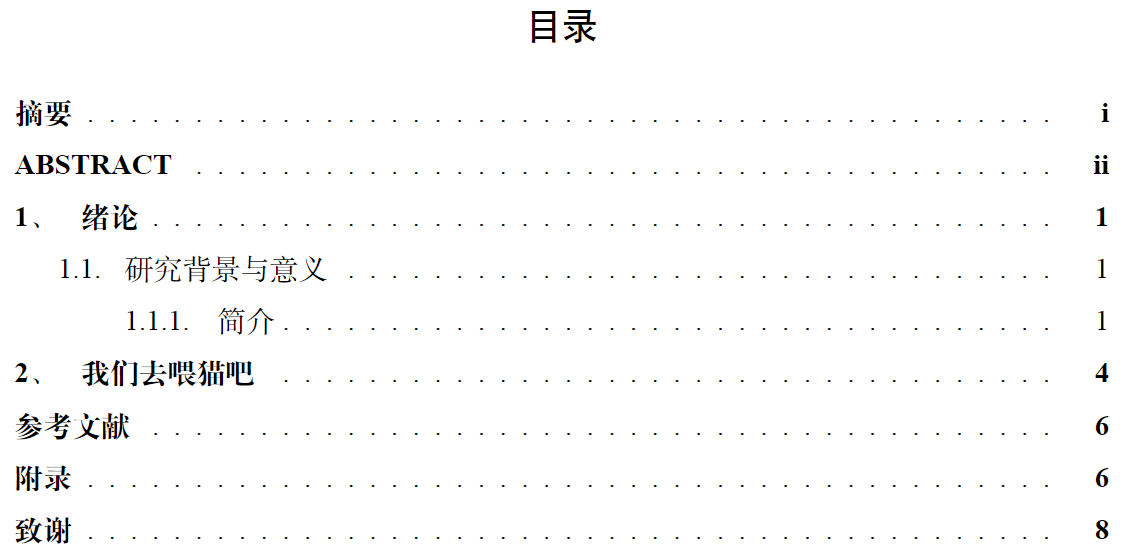
可以使用命令
\setcounter{tocdepth}{1}
来缩减目录的深度
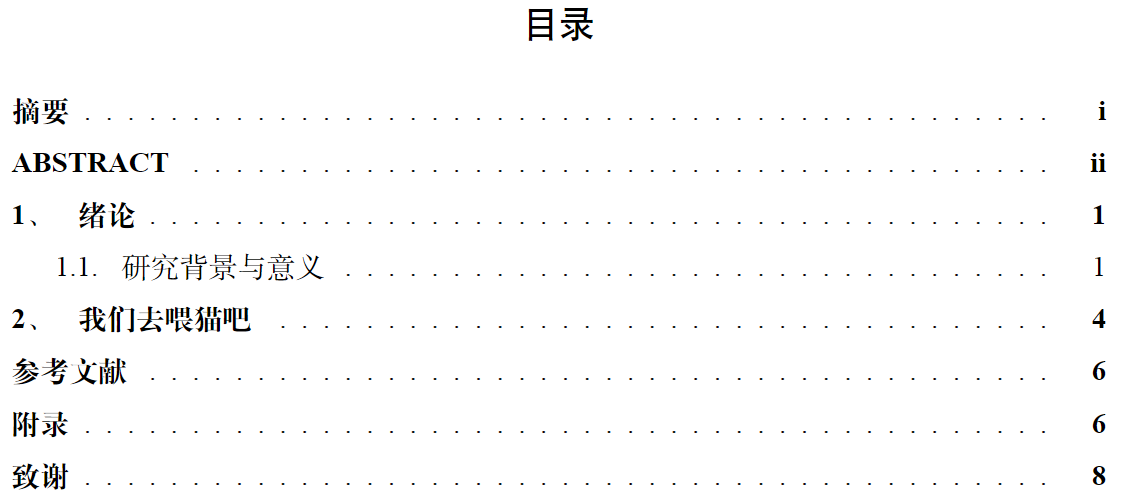
这个条目中的参数对应的目录深度如下
| Param | Depth |
|---|---|
| -1 | part |
| 0 | chapter |
| 1 | section |
| 2 | subsection |
| 3 | subsubsection |
| 4 | paragraph |
| 5 | subparagraph |
2. 调整Itemize项之间的间距
$\LaTeX$ 默认的itemize条目项间距很大,插入下列itemize代码
\begin{itemize}
    \item Microsoft CodeXGLUE任务数据集,其包含了xx条从GitHub的开源仓库中所采集的函数
    \item 华东师范大学数据科学与工程学院水杉码园数据集,其包含了约100,000个由数据学院学生在Online Judge平台上提交的代码片段。
\end{itemize}
Itemize的效果如下所示
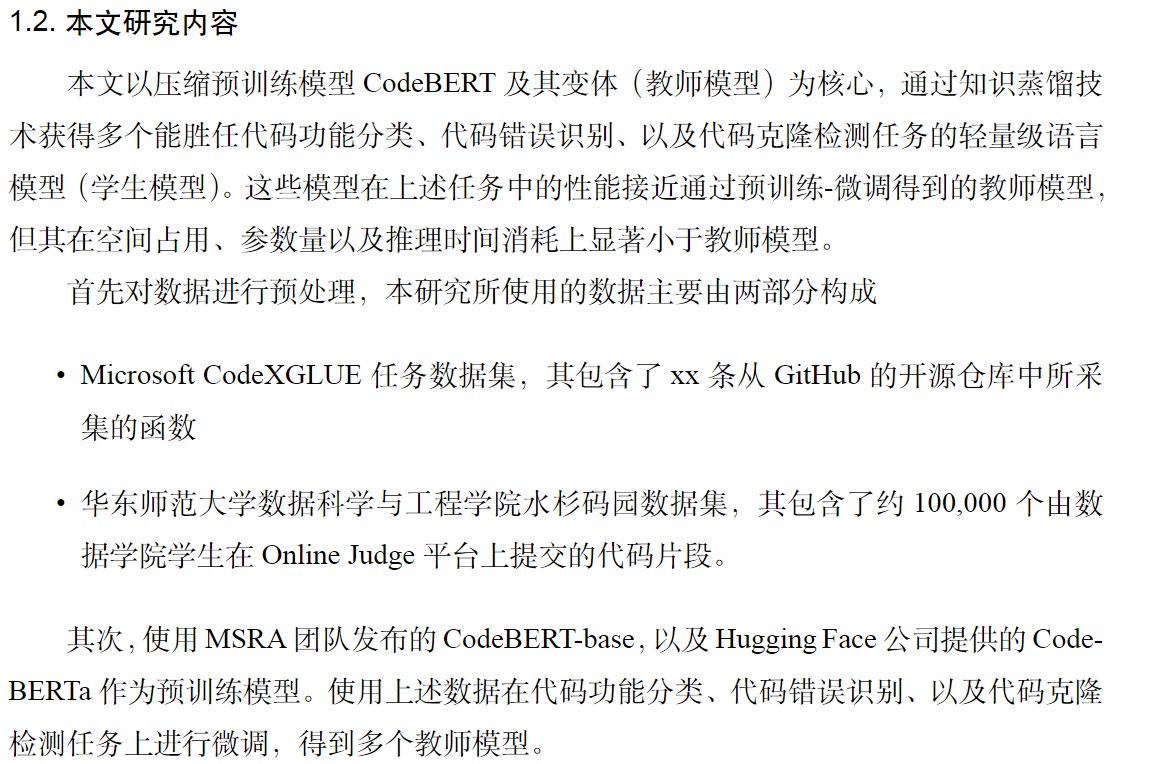
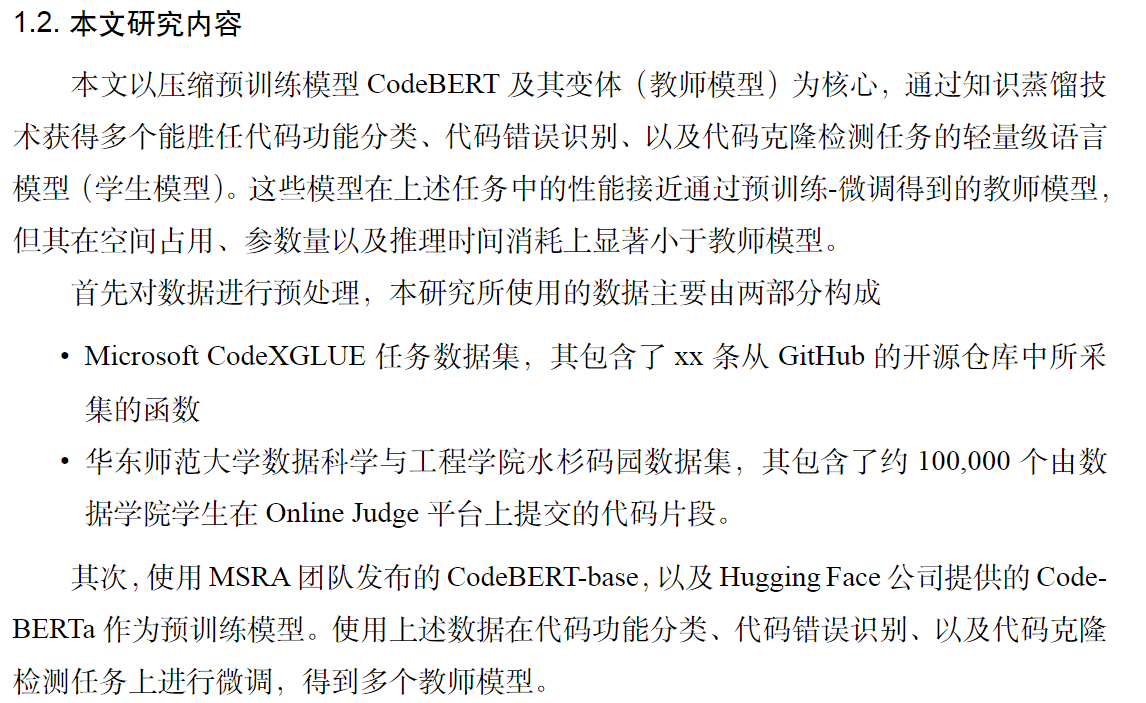
使用以下命令来修改itemize的间距
\usepackage{enumitem}
\setenumerate[1]{itemsep=0pt,partopsep=0pt,parsep=\parskip,topsep=5pt}
\setitemize[1]{itemsep=0pt,partopsep=0pt,parsep=\parskip,topsep=5pt}
\setdescription{itemsep=0pt,partopsep=0pt,parsep=\parskip,topsep=5pt}
查看缩减行间距后的效果
3. 为图片添加双语说明
当前的毕业论文模版要求每张插图都需要双语Caption(虽然我不懂这是为什么…),但既然要求如此,那就需要在一般的Caption上做一些修正
需要先导入一个额外的包
\usepackage{bicaption} %caption的扩展package
\captionsetup[figure][bi-second]{name=Figure}%将英文图的开头设定为字符“Figure”
随后插图
\begin{figure}[H]
    \centering
    \includegraphics[scale=yourscale]{source/pic.png}
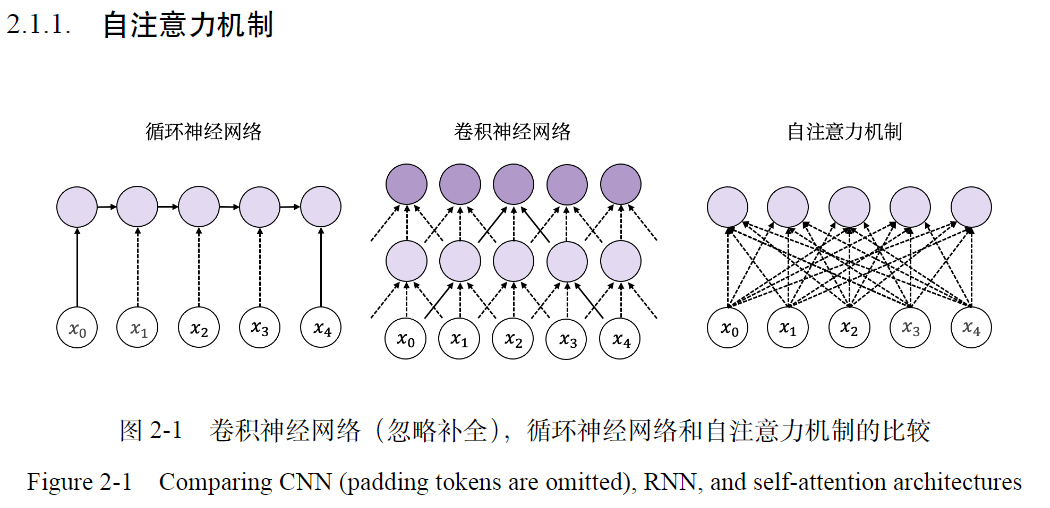
    \bicaption{卷积神经网络(忽略补全),循环神经网络和自注意力机制的比较}{Comparing CNN (padding tokens are omitted), RNN, and self-attention architectures}
\end{figure}
通过下图查看Bicaption的效果
如果有其他的新发现就会继续更新!